Run your bookings
Your own booking page. No extra scheduling app.
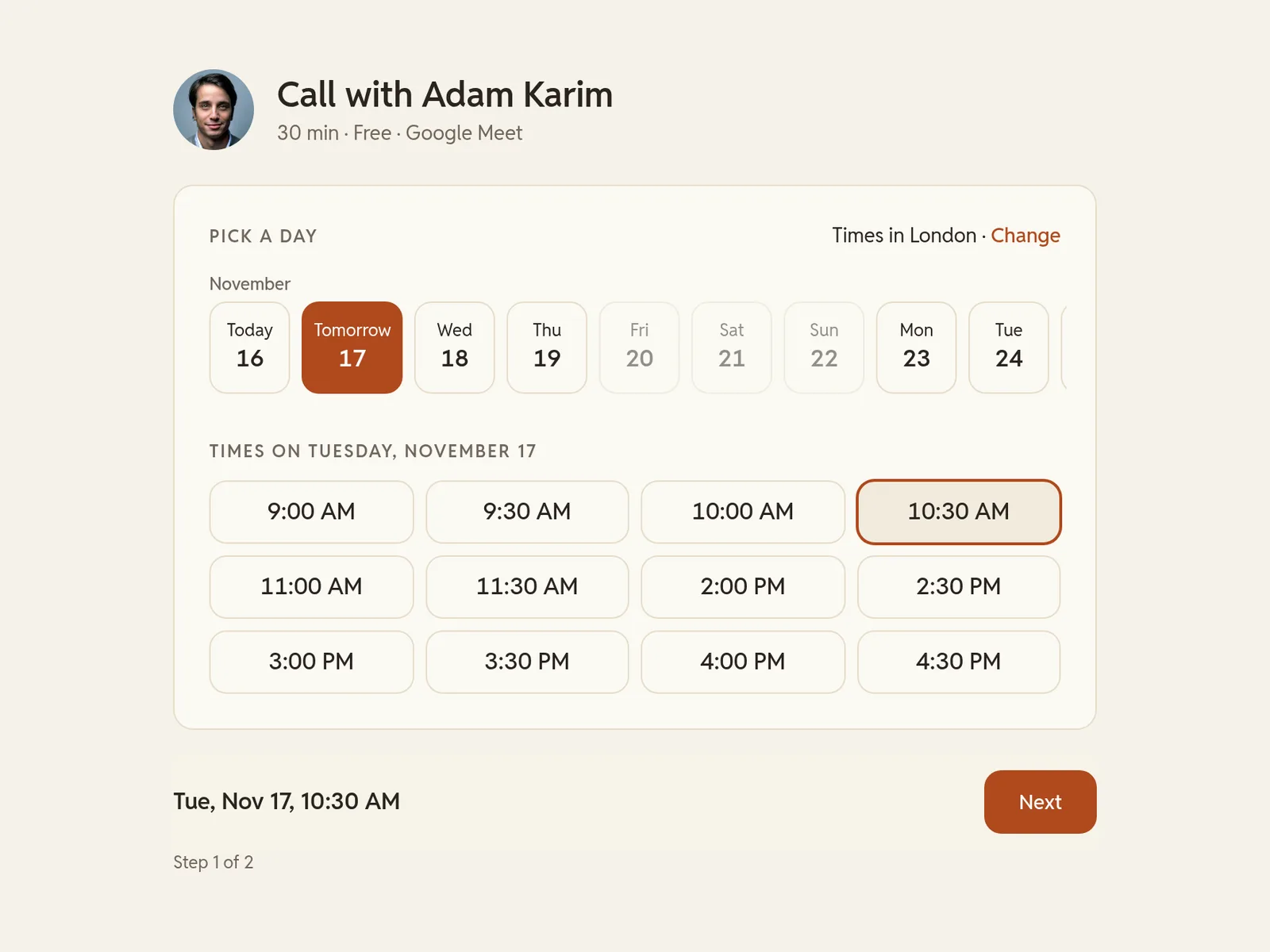
New leads book a free first call from your weekly hours, and every booking lands in your contacts.
14-day free trial · no card
Your meeting link
Zoom or Google Meet, with the call length you choose. The link goes out in the confirmation.
Notice and window
Times that are too soon stay closed, and booking stops at the window you set.
Your hours
Only your weekly hours are open, with breaks and time off kept free.
One question
The next step asks for name, email and the one question you set.
1Your meeting linkZoom or Google Meet, with the call length you choose. The link goes out in the confirmation.
2Notice and windowTimes that are too soon stay closed, and booking stops at the window you set.
3Your hoursOnly your weekly hours are open, with breaks and time off kept free.
4One questionThe next step asks for name, email and the one question you set.